
To add your Dawn Patrol email to your gmail account, so you can send and receive through gmail without having to log in to the website, please follow the directions below:
Go to your Gmail on a web browser.
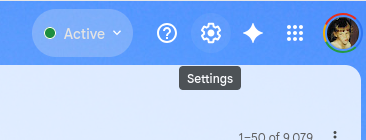
Click on the Settings Gear in the top right corner

Click on the “See All Settings” button
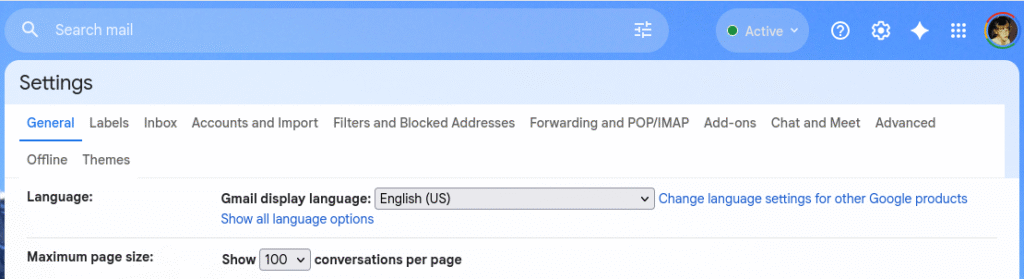
Once in the Settings screen, Click on the tab at the top labeled “Accounts and Import”
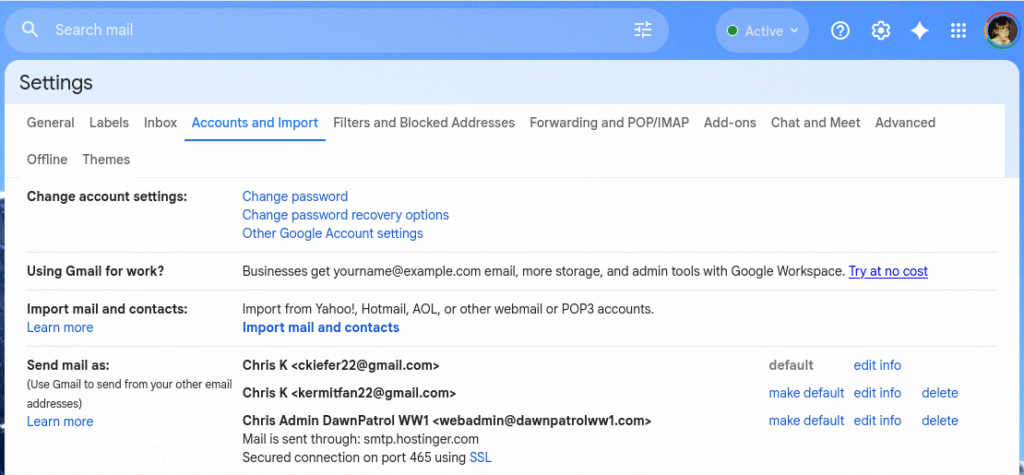
Scroll down to the area labeled “Send mail as” and in that area click “Add another account”
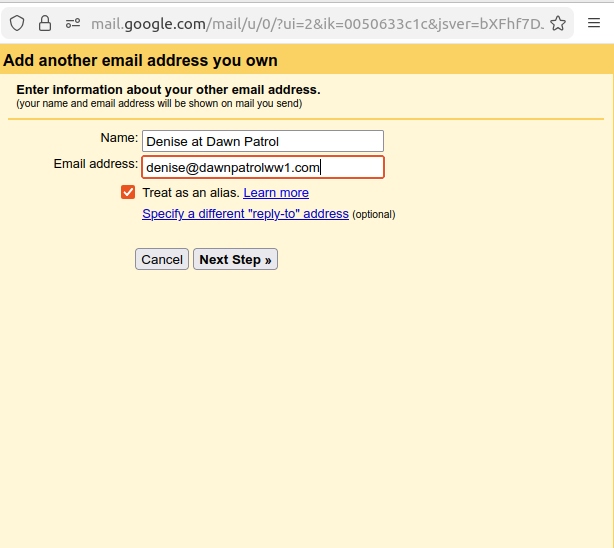
A yellow box pops up, fill in the information. Click the “Treat as an alias” check box, and click next.
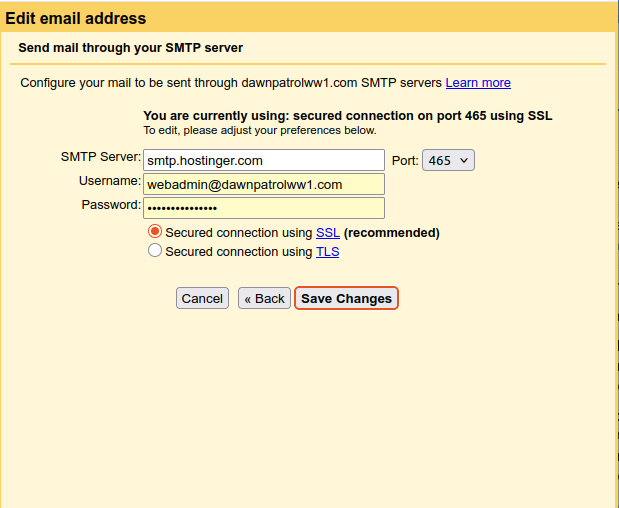
On the 2nd page, fill in the information as seen in the graphic here, using YOUR email address instead of mine, and your password for that email account.