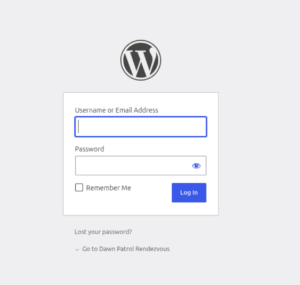
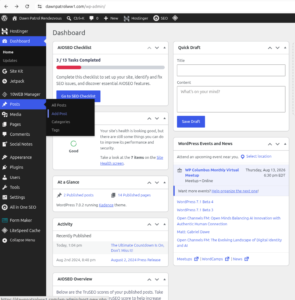
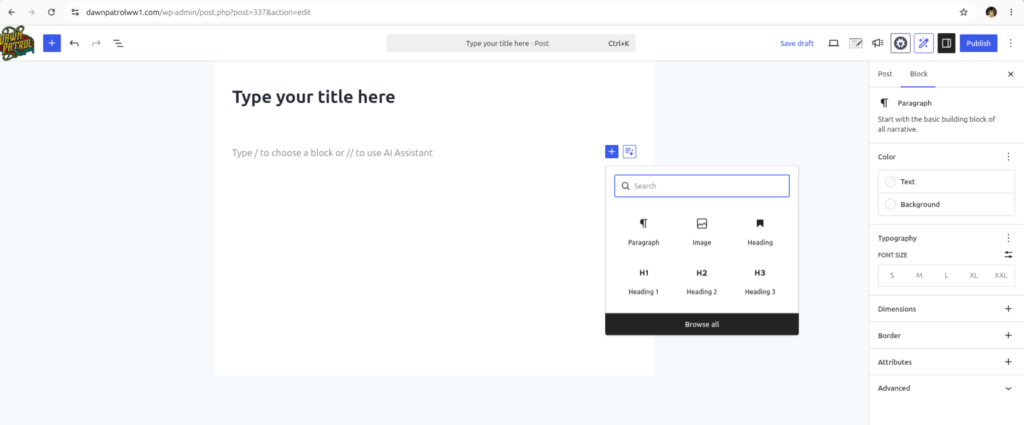
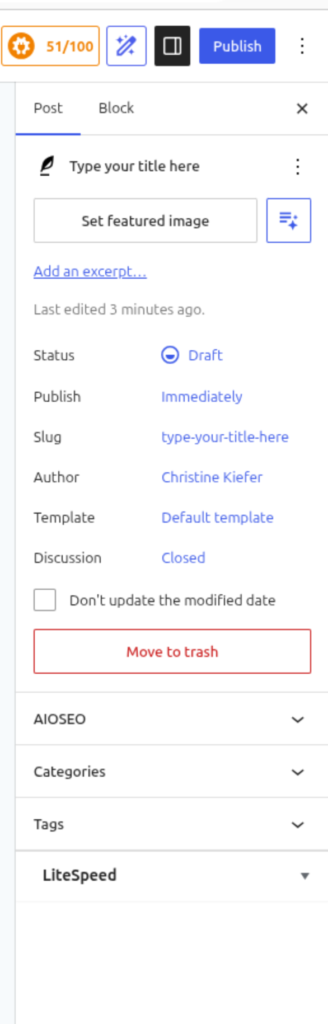
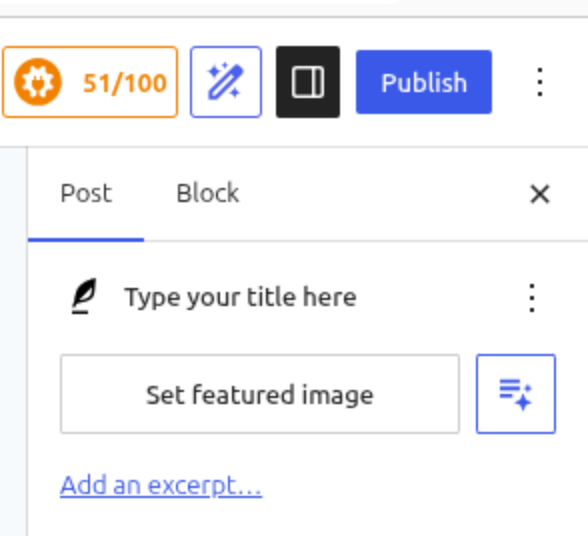
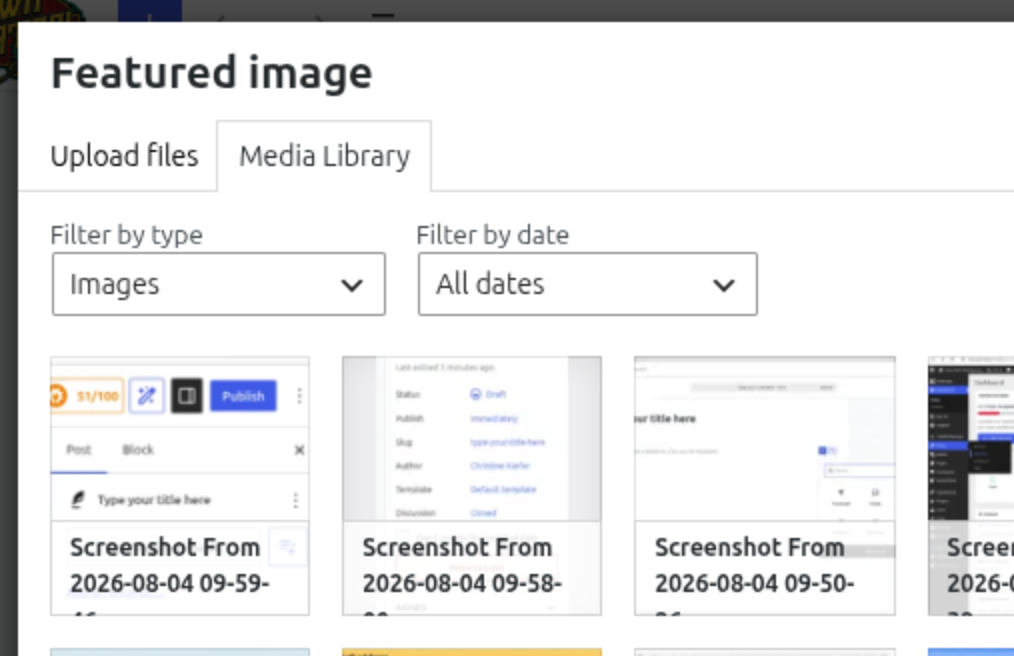
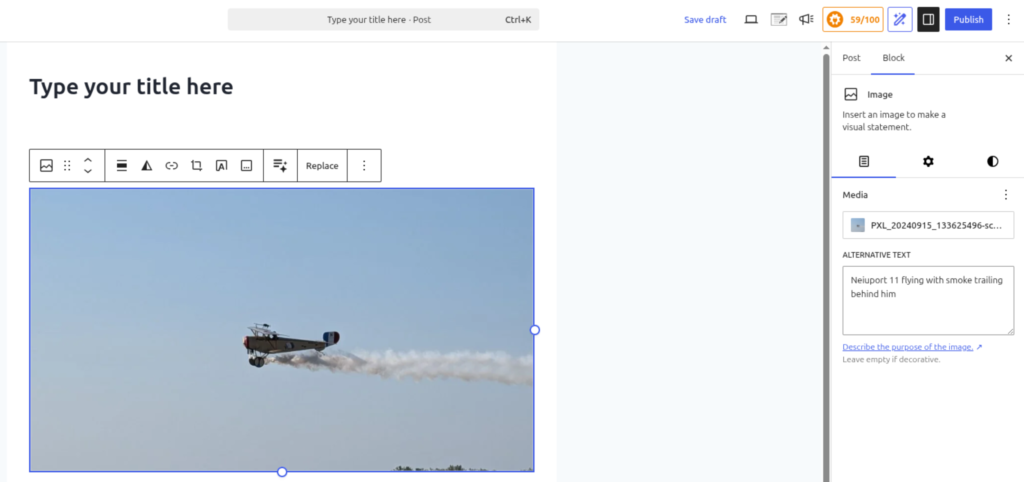
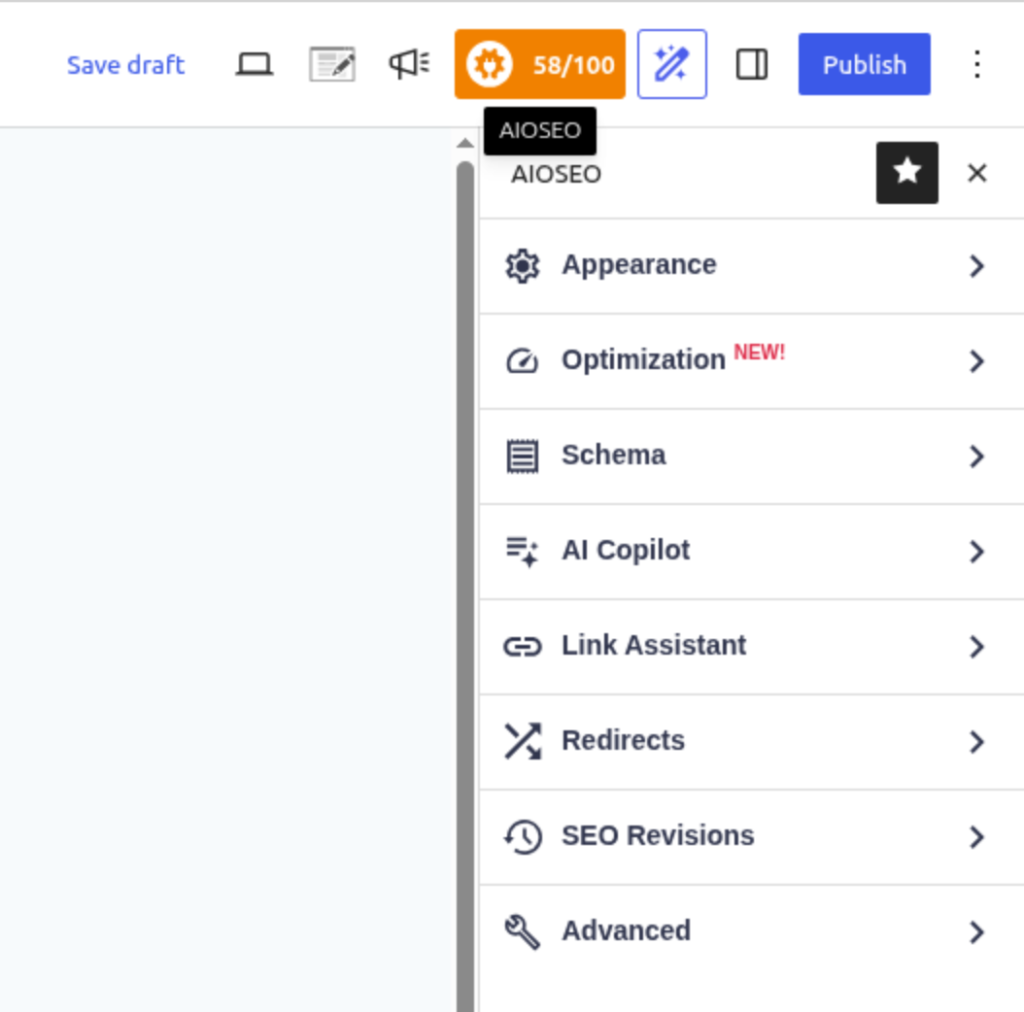
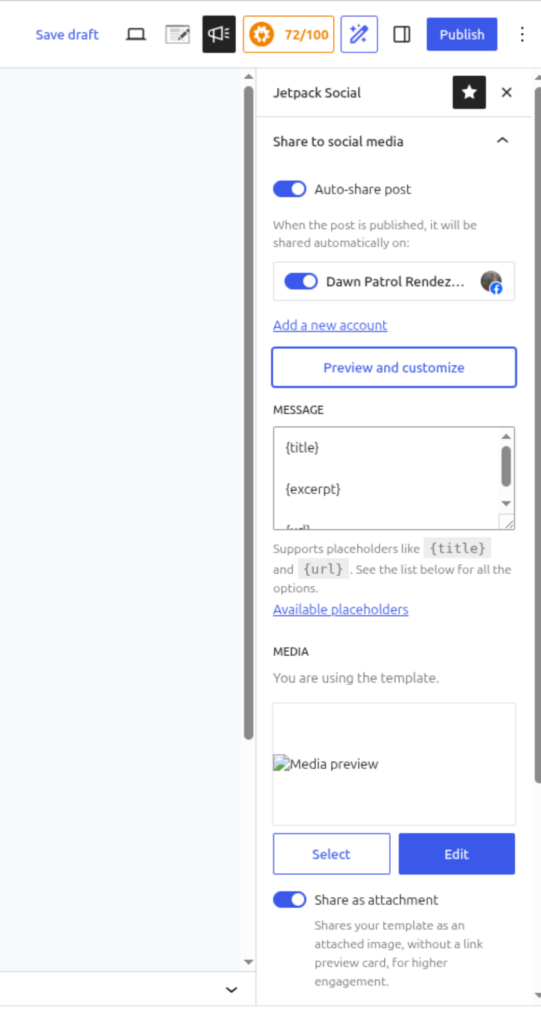
First, log in to the website by going to https://www.dawnpatrolww1.com/wp-adminOnce logged in, you will be faced with a “dashboard” of items you can choose from. Look in the black menu on the left for “Posts”, choose “Add Post”Creating your post begins here! Type in a title at the top, then click below to start entering text. At any time you can hover over the right side of the text area to the black PLUS to add more items, change your style, and so on.There are lots of important things available on the right side of the screen. If you don’t see these options at first, click on the black “slide window” at the top right (next to the publish button) to get these options to appear. Setting a featured image is CRITICAL! This will be the image that shows up on Facebook, and generates extra attention and leads there. I recommend picking a high quality image here! Once you click on setting a featured image, a new window will open. From here you can scroll through already uploaded images, or choose “Upload files” from the top tab to upload a new image or video!Likewise, you can add images directly into the post, however, these will NOT be seen directly on facebook, users will need to click on the link to see them.The (in this photo Orange) gear with the score of 58/100 is about readability and publishing scores. The higher (and closer to green) this score is, the better chance of being found in search engines and having people take notice of us! Click on that gear to get more information on what we should fix! The optimization area holds a lot of hints to fix this!The megaphone icon at the top has to do with social media posts! Here you can make certain that “Auto Share” is on, choose which Facebook group page it will be posted to, and you can preview what it would look like on Facebook, and customize it.
Once everything looks just like you want it, go ahead and hit the blue PUBLISH button up at the top! It will automatically post both on the website and on Facebook.